



Private by invite only.
Choose each album’s audience and manage any browser links you share.
Our Family Album
Your safe space to save and share your kids’ story with the people who love them.
Create albums on iPhone or iPad. Relatives can view shared browser links without an app or account.
5.0 out of 5 · 4 ratings on the US App StoreShare with the people you choose, without ads, strangers or complicated passwords.
Choose each album’s audience and manage any browser links you share.
Start with Apple or your email. No passwords to remember.
No public feed and no recommendations. Only the people you invite.
We never sell your data or train AI on your memories.
Every photo of your child in one private feed.
Post photos and videos to your child's album and everyone you invited sees them. No more group texts or long email chains.
For family who live nearby and far away.
Grandparents, aunts and uncles can react and comment on each post, whether they live down the street or in another country.
Look back and see how much they've changed.
Memories brings back your favorite moments by age and milestone, so a year from now you can see those days again.
10 free photos a month. Unlimited photos and videos with Premium.
Your photos are backed up and sorted in one library, so they are easy to find when you want to look back.
A simple place for the photos and videos of your little one, shared only with the family you invite.
Pick a few photos, write a caption and share it once. Everyone you invited sees it right away.
Invite relatives to the app, or share a read-only browser link they can open without an account.
Keep summers, birthdays and everyday life apart, and choose who sees each one.
React with one tap or leave a comment. It stays next to the photo it is about.
Your best months come back as highlight reels.
The family gets a notification when new photos arrive, someone joins or a comment comes in.


Hi, I'm Manuel. When my wife Margo was pregnant with twins, I wanted my parents, who live in another country, to see their grandchildren grow up every day. Not once a year on a visit, and not in a group chat where the photos get lost.
I could not find an app that felt right, so I built one. Our Family Album is private by default, has no ads and shows your photos only to the people you invite. Read the full story.
Thanks for being here,

Pick the one that sounds most like you.
Choose app invitations or a simple browser link.
Share with grandparents New parentsChoose who sees your baby’s photos from the start.
Share baby photos privately Away from social mediaKeep the updates together without a public profile.
Explore private sharing Long-distance familyBuild a simple photo-sharing routine that lasts.
Stay close across the milesA private family photo sharing app for iPhone and iPad. Share photos, keep albums, react and comment with the people you invite, and revisit moments in Memories.
Version 1.5 adds Share without an app: create a browser link for an album, with no app or account needed to view it. You can create a link for each recipient, add an expiry, or revoke it. Anyone with a working link can view the shared album, so send it only to people you trust.
The free plan includes 10 photo uploads per family each calendar month. Premium adds video uploads and unlimited photos, and one subscription covers the whole family. See the current subscription prices in the App Store.
There is no Android app. Parents create and manage albums on iPhone or iPad. With browser sharing in version 1.5, relatives can view a shared album on Android or a computer.
You choose the family members who can see each album. Browser links give read-only access to anyone holding that link until it expires or you revoke it. There is no public photo feed, no advertising, and your photos and videos are not used to train AI.
Featured in


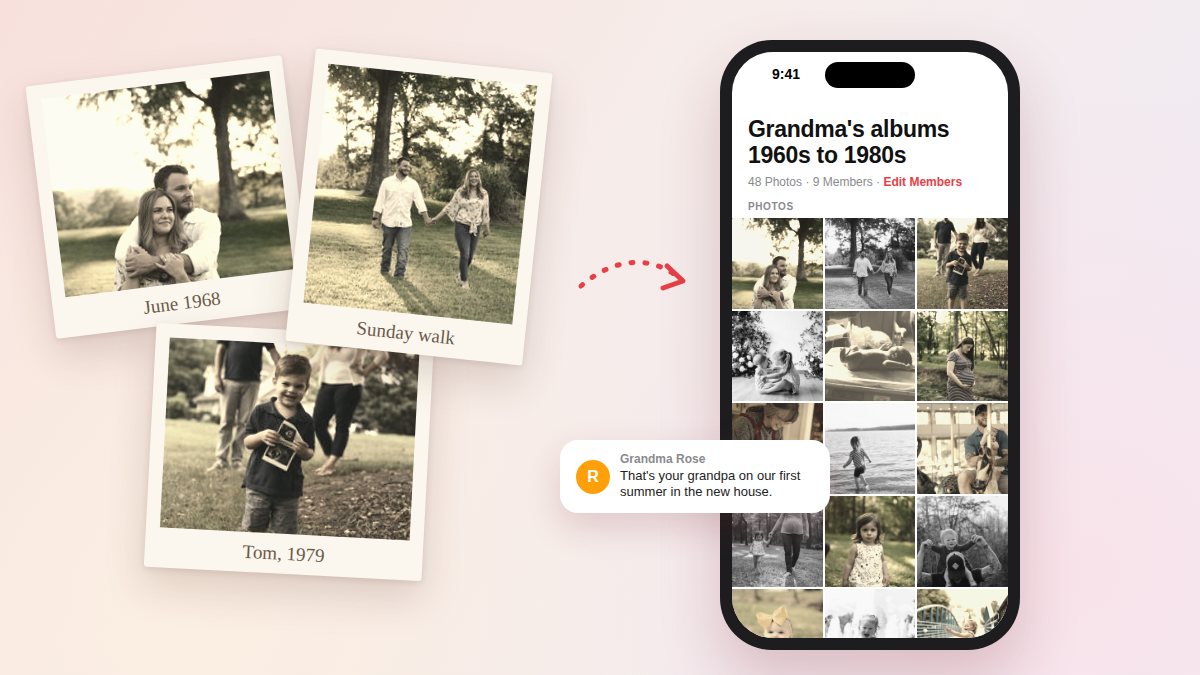
Digitize old photos with a phone app, a flatbed scanner at 600 dpi, or a scanning service. Steps, tips, rough costs, and how to share them with family.

Choose between an app invitation, a private browser link, or a one-time photo export, then set up a family album with clear access and permissions.
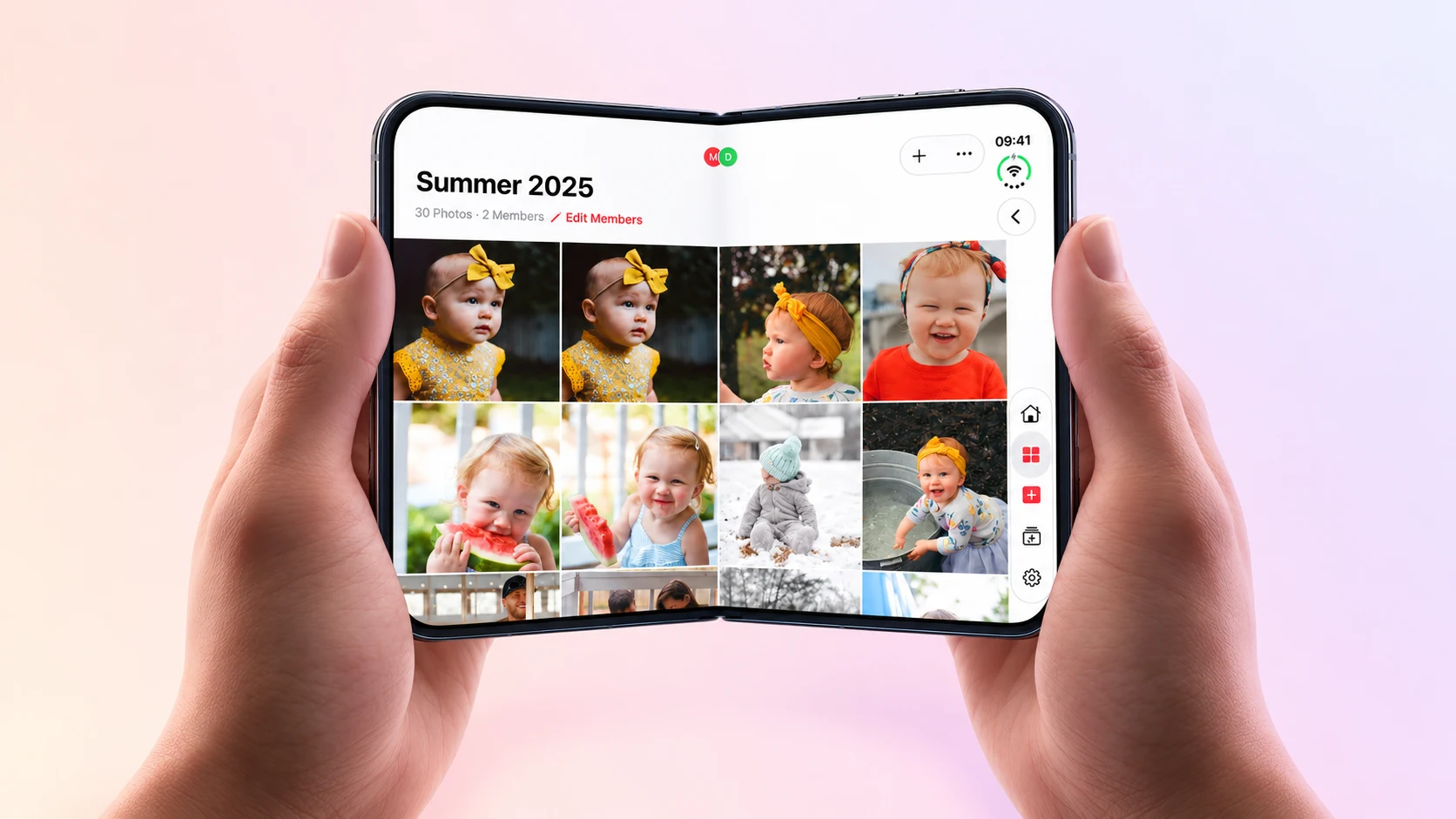
Our Family Album now fits iPhone Duo's cover and inner displays. Watch the fold video and see the family feed, albums, and new layout.


Bring your family's photos and videos together. Start free and invite the people you love.
 Scan to download


