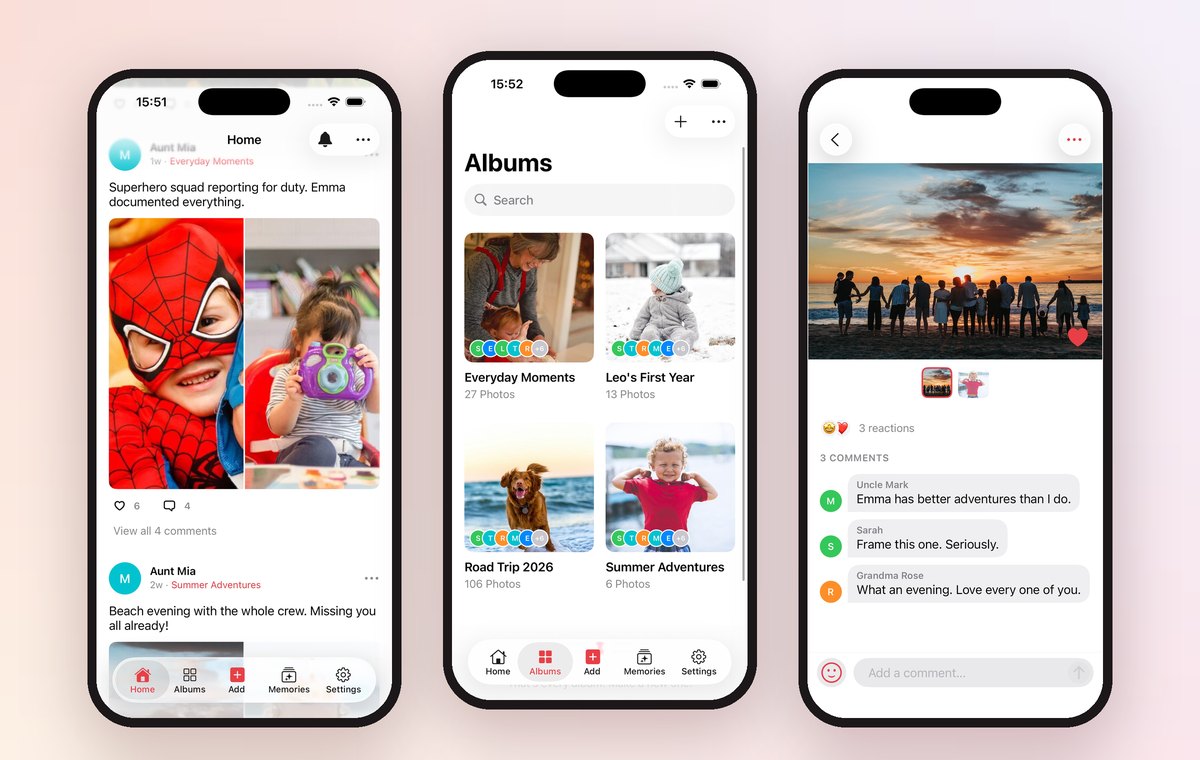
You can invite grandparents to join Our Family Album on iPhone or iPad, or use Share without an app in version 1.5 to send a read-only browser link. Choose the app for posting and conversations, or a browser link for relatives who just want to see the photos.
At a glance
- Parents create and manage albums in the iPhone or iPad app.
- App members can take part according to the album's permissions.
- Browser recipients can view one shared album without an app or account.
- Create a link for each recipient; you can set an expiry or revoke it.
Choose how each relative will join
I started building family photo apps because my parents lived in another country. I wanted them to see their grandchildren grow up, rather than wait for the next visit. That story is on our story page.
Some relatives want to add their own photos and leave comments. Others want a link they can open without learning another app. Our Family Album has a different option for each.

Invite someone to the app
- Create your family and an album in Our Family Album.
- Invite your relative from the Family screen.
- They open the invitation and sign in on iPhone or iPad.
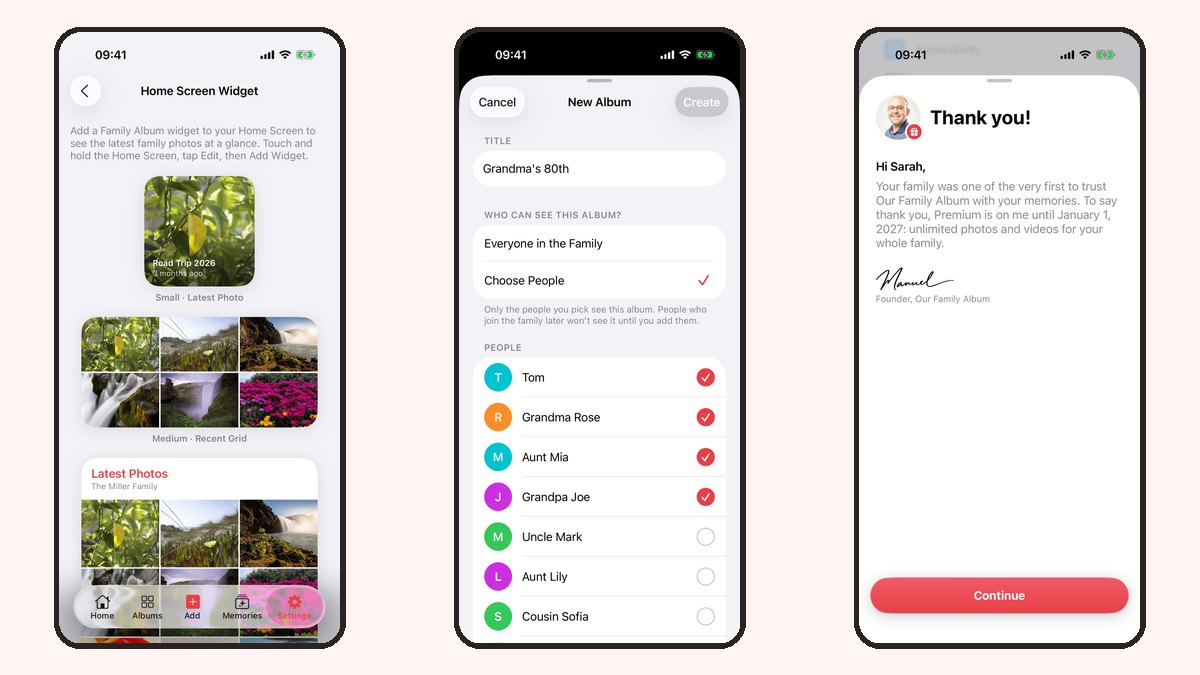
- Choose which albums they can see and what they can do in each album's settings.
Choose Everyone in the Family to include people who join later, or Choose People for a smaller circle. Review the album audience before adding photos you only want some relatives to see.

Send a browser link instead
Version 1.5 includes Share without an app in the family invitation screen and the album menu.
- Open Share without an app and choose the album to share.
- Create a browser link for the recipient.
- Choose whether the link should expire, then send it privately.
- Your relative opens the link in a browser to view the shared album.
Browser access is read-only. It does not give someone an app membership or the ability to post, react or comment. For those, invite them into the app instead.
You can also invite a relative to receive photos by email from the same sharing flow. Photo emails include a link to browse the album.
Keep control of access
A browser link is a key to the shared album: anyone holding it can use it while it is active. Create a separate link for each recipient so you can revoke one without replacing everyone's link. You can also use an expiry.
Revoking a link stops future access through that link. It cannot recall photos someone has already saved or taken a screenshot of.
What does it cost?
The free plan includes 20 photo uploads per family per calendar month. Premium adds video uploads and unlimited photos, and one subscription covers the whole family. Grandparents do not need their own subscription.
For current prices, check the subscription options in the App Store. If your family needs a different free allowance or Android participation, the family photo app comparison explains the alternatives.
Frequently asked questions
Do grandparents need an account?
App members need an account. Browser recipients in version 1.5 can view the album from their link without signing in.
Can relatives on Android see the photos?
Yes, through a browser link in version 1.5. There is no native Android app, and browser access is read-only.
Can I stop a browser link from working?
Yes. Revoke the link, or give it an expiry when you create it. Previously saved copies cannot be recalled.
Can grandparents add photos or comments in a browser?
No. Browser links are read-only. To post or comment, they need to join through the iPhone or iPad app and have the relevant album permissions.