If you want to share photos of your kids with family, but not with the whole internet, you have more good options than ever. They differ in the things that matter day to day: whether grandma needs to install anything, what the free plan really includes, whether there are ads, and whether one subscription covers everyone.
A quick note before we start: we make Our Family Album, one of the apps below. We have tried to be fair, we say where other apps are the better choice, and every fact about another app comes from its own website, help pages or App Store listing. Prices are US prices, checked on October 5, 2026. They change, so check before you buy.
The short answer
- Your relatives won't install an app: FamilyAlbum, Google Photos or iCloud Shared Albums. All three let family view photos in a web browser from a link.
- You want a big free plan: FamilyAlbum gives unlimited photo and video storage for free, with ads and a 2-minute limit on videos.
- You want no ads and one price for the whole family: BackThen, TinyNest or Our Family Album.
- Your family already lives in a group chat: WhatsApp is free and everyone has it, but photos get buried between messages.
Side by side
| App | Relatives can view without the app | Free plan | Paid plan (US) | Ads on free plan |
|---|---|---|---|---|
| FamilyAlbum | Yes, browser link, no account | Unlimited photos and videos (videos up to 2 min) | Premium Family $5.99/mo or $59/yr, covers the family | Yes |
| Tinybeans | On the web, with an account (created when invited) | 20 uploads a month, 5GB | Tinybeans+ $7.99/mo or $74.99/yr, covers you plus one follower | Yes |
| TinyNest | No, relatives use the app | Unlimited photos | $12.99/mo or $79.99/yr | No |
| BackThen | On the web, after signing up | 1GB storage | VIP $6.49/mo or $64.99/yr, 200GB, unlimited invitees | No |
| Google Photos | Yes, anyone with the link | 15GB shared with your Google account | Google One from $1.99/mo for 100GB | Not stated |
| iCloud Shared Albums | Yes, on the web, no Apple Account needed | Uses your iCloud storage (iOS 27) | iCloud+ storage plans | No |
| No, everyone needs WhatsApp | Free | Free | Not in chats | |
| Our Family Album | Not yet (private browser links are coming soon) | 20 photos and videos a month per family | $6.99/mo or $49.99/yr, covers the whole family | No |
FamilyAlbum
FamilyAlbum, made by MIXI, is the biggest app in this category, with over 376,000 ratings on the US App Store. Its free plan is hard to beat: unlimited photo and video storage, and grandparents can open the album in a web browser from a private link, with no ID, password or smartphone.
Good to know: the free plan shows ads and caps videos at 2 minutes. Premium Family ($5.99 a month or $59 a year) removes the ads, allows longer videos and covers the whole family. A cheaper Premium One plan ($2.99 a month) covers just you. FamilyAlbum also sells photo books and prints.
Best for: families who want a generous free plan and grandparents who will only ever use a browser.
Tinybeans
Tinybeans has been around for years and works on iPhone, Android and the web. Relatives get an account when you invite them and can follow along in the app, on the web or through email updates.
Good to know: the free plan allows 20 uploads a month with 5GB of storage and shows ads. Tinybeans+ costs $7.99 a month or $74.99 a year and covers you plus one follower you choose. Your followers see no ads. Paid members can upload videos up to 5 minutes. Tinybeans also offers photo books.
Best for: families who like email updates and want Android and web access.
TinyNest
TinyNest is a newer private family album app. Relatives join from an invite link in the app, and you can control screenshots, downloads and sharing for each family member. Relatives can add their own photos too.
Good to know: the free plan includes unlimited photo storage and no ads. The paid plan, Family Unlimited Access, costs $12.99 a month or $79.99 a year and adds unlimited videos. It is on iPhone and iPad. Its website mentions Android, but we could not find it on Google Play.
Best for: parents who want fine-grained control over what each relative can do.
BackThen
BackThen organizes photos into a timeline for each child, and relatives can follow on iPhone, Android or the web after signing up.
Good to know: the free plan includes every feature but only 1GB of storage, which fills up quickly with videos. VIP costs $6.49 a month or $64.99 a year for 200GB, covers all your children and unlimited invitees, and supports videos of any length. BackThen also sells photo books, calendars and prints.
Best for: families who want per-child timelines and printed keepsakes.
Google Photos and iCloud Shared Albums
If you already use Google Photos or an iPhone, you may not need another app at all.
Google Photos lets you share an album by link, and anyone with the link can view it, comment and like photos. Shared photos count toward your Google storage (15GB free), and more space starts at $1.99 a month. The catch is privacy: a link can be passed on, and anyone who has it can open the album.
iCloud Shared Albums changed a lot with iOS 27. Albums now keep full resolution, people can join and add photos on the web without an Apple Account, and there are emoji reactions. In exchange, shared items now count toward your iCloud storage. You choose whether only invited people can join or anyone with the link.
Best for: families who mostly want to pass photos around and don't mind that they live next to everything else in your photo library.
WhatsApp and other group chats
Almost every family already has a group chat, and it costs nothing. For quick everyday photos it works. The downsides show up over time: photos are mixed in with messages, older moments are hard to find, and everyone needs a WhatsApp account. WhatsApp shows no ads in chats; ads appear only in the Updates tab.
Best for: quick daily updates, alongside a proper album for the moments you want to keep.
Our Family Album
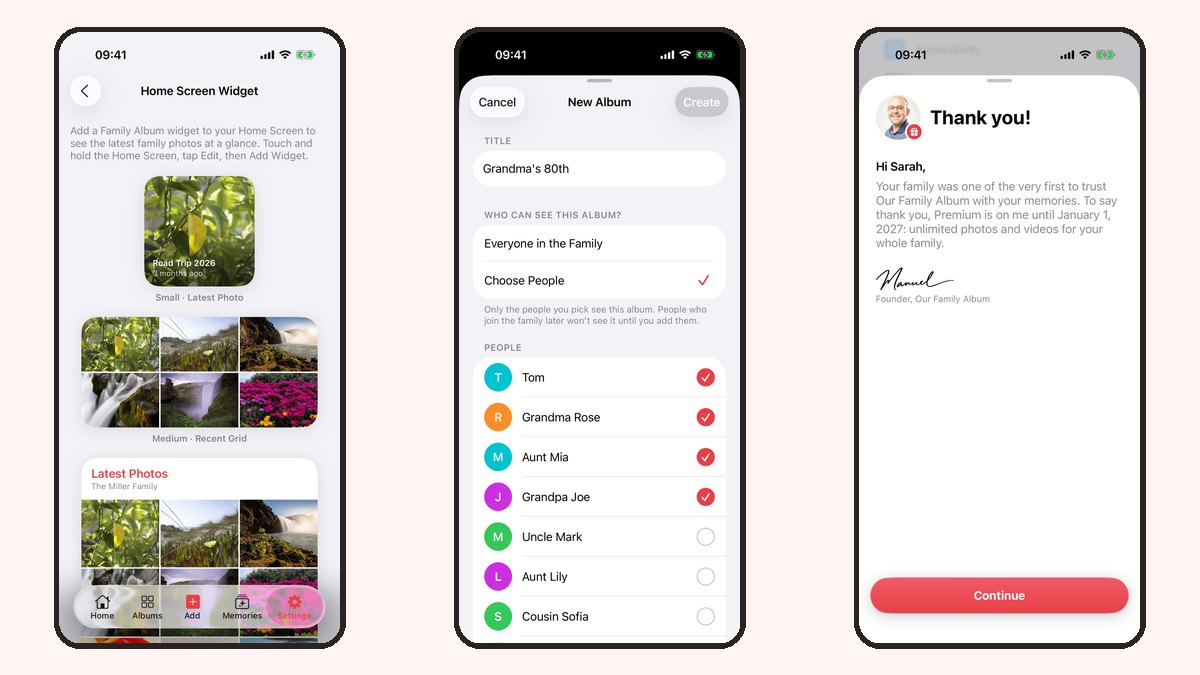
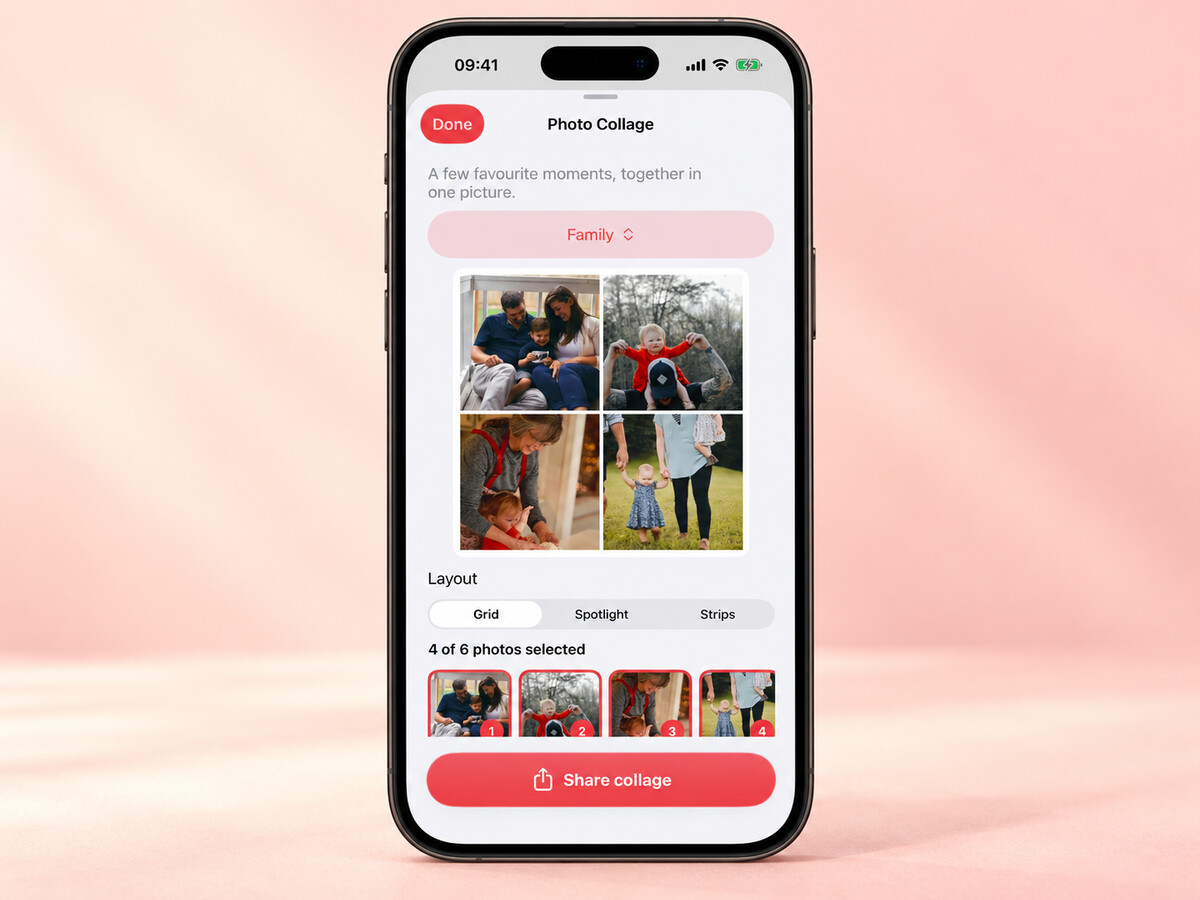
This is our app, so read this part with that in mind. Our Family Album is a private album built around your child. You post photos and videos once, everyone you invite sees them, and they can react and comment. Memories brings back moments by age and milestone.

Good to know: the free plan includes 20 photos and videos a month for each family. Premium costs $6.99 a month or $49.99 a year in the US, removes the monthly limit, and one subscription covers your whole family, so grandparents never pay. There are no ads, and we do not use your photos or videos to train AI.
Where others are ahead today: we are iPhone and iPad only, so relatives with Android phones can't join yet. Relatives currently need the app and an account; private browser links that need neither are coming in our next update. If you need a big free plan, FamilyAlbum gives you more.
Best for: iPhone families who want a calm, ad-free album and one simple price for everyone.
How to choose
- Start with your least techy relative. If they won't install an app, pick something with browser links.
- Count your photos. Twenty uploads a month is plenty for some families and far too few for others.
- Check who pays. Some plans cover the whole family, others cover one or two people.
- Decide how you feel about ads next to photos of your kids.
- Try two apps for a week with a couple of relatives before you invite everyone.
Sources
Every fact above comes from the company's own pages, checked on October 5, 2026:
- FamilyAlbum: Premium plans, help center, App Store listing
- Tinybeans: Tinybeans+ pricing, App Store listing
- TinyNest: tinynestapp.com, App Store listing
- BackThen: subscription prices, backthen.com
- Google Photos: sharing help, Google One plans
- iCloud Shared Albums: Apple support, iOS 27 changes
- WhatsApp: WhatsApp blog, App Store listing
- Our Family Album: our App Store listing and FAQ
App names and icons are trademarks of their owners and are shown only to identify each app.
Spotted something out of date? Tell us and we will fix it.