A photograph can keep the birthday smile. A video can keep the song, the laughter and the wobbly first steps too. Our Family Album Premium adds video uploads and unlimited photos, with one subscription covering the whole family.
At a glance
- The free plan includes photos: 20 uploads per family per calendar month.
- Uploading videos requires Premium.
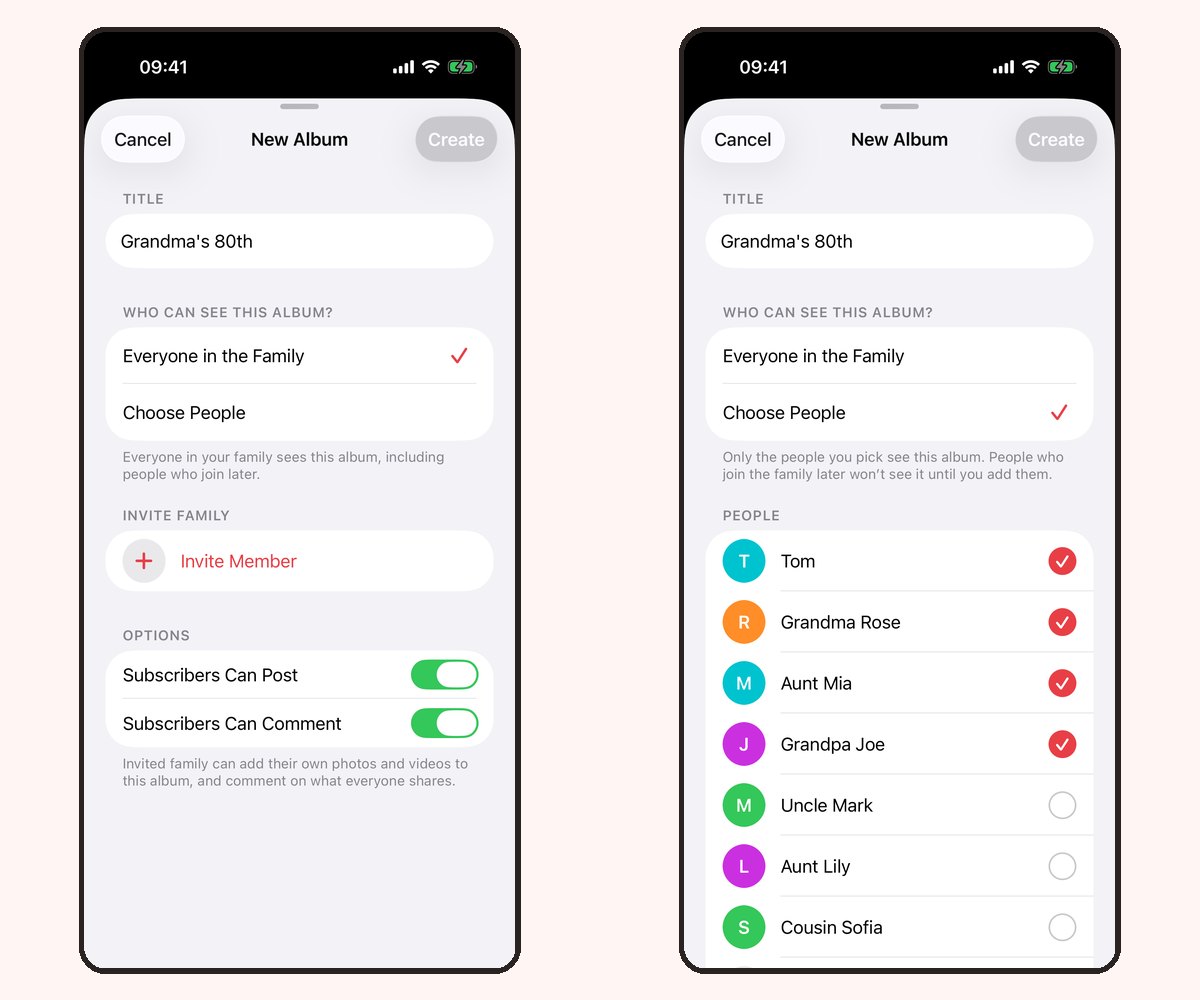
- Pick the destination album and check its audience before posting.
- Parents manage uploads on iPhone or iPad; browser recipients only view.
Check your family’s plan
The free allowance belongs to the family, rather than each person separately. Premium adds video uploads and removes the monthly photo upload limit. Relatives do not need separate subscriptions when the family is covered by Premium.
Review the current local subscription price and billing period in the app before purchasing. Apple handles subscription billing, and you can cancel through your device’s subscription settings. Compare Free and Premium.
Choose the moment and the album
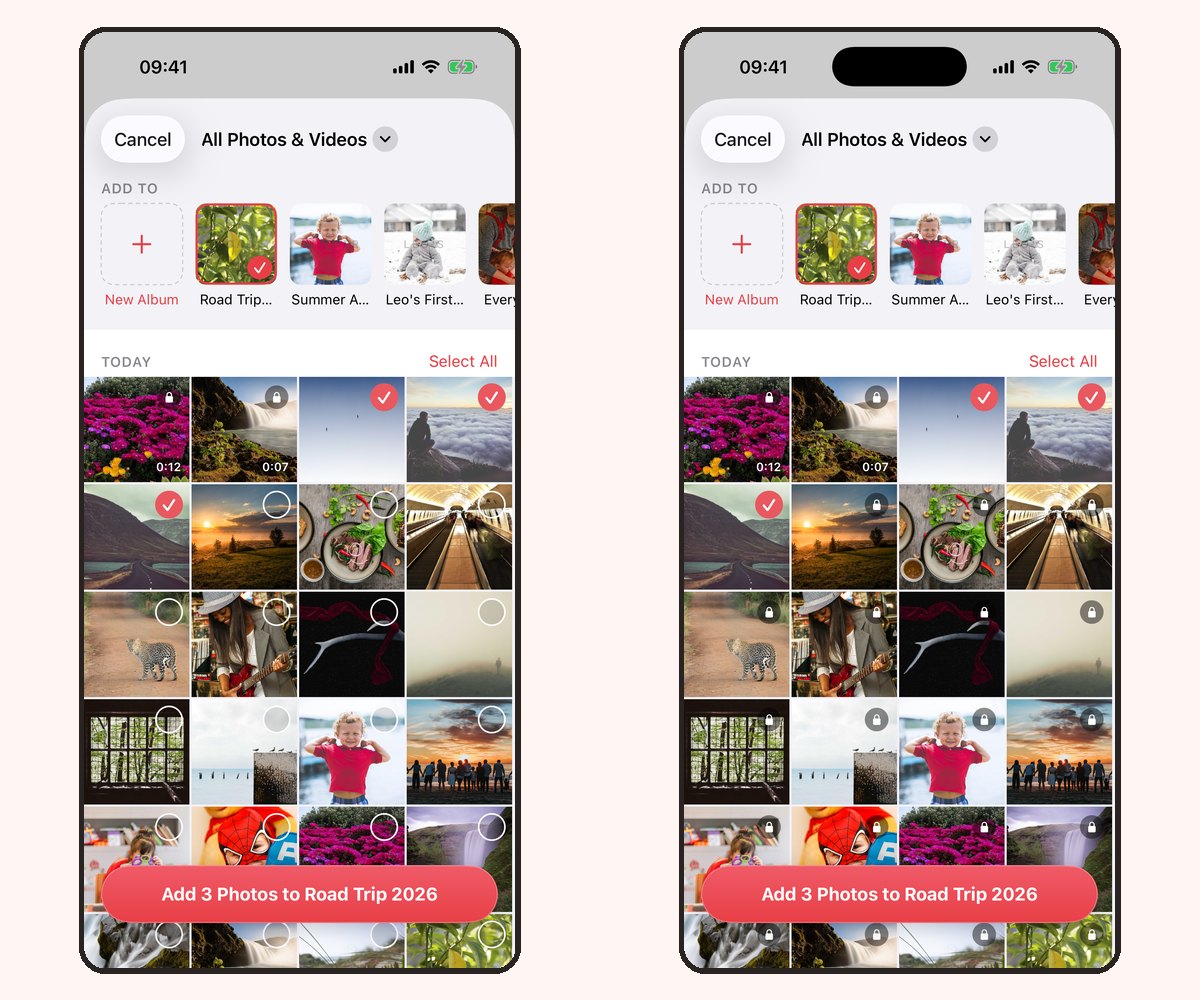
Open Add in the iPhone or iPad app. Choose the video you want to share and select the destination album. Review the selected items and album audience before confirming the upload. If the app asks you to explore Premium, check your family’s current subscription status before proceeding.
Start with a short, meaningful clip. A few seconds of a new word can tell the story without asking relatives to sit through the entire camera roll.

Help relatives find it
App members can see content shared with them according to the album’s audience and permissions. In version 1.5, a read-only browser link lets a relative view the shared album without installing an app or creating an account.
Browser recipients cannot add a video or leave a comment. Invite relatives into the iPhone or iPad app if they want to participate. See app and browser sharing options.
If an upload does not finish
Keep a copy of the original video on your device while uploading. Check your connection and whether your family has Premium, then reopen the album to check whether the upload completed before trying again.
If you need help, contact support with your device model, app version and what happened. You do not need to send a private family video or album link publicly to report a problem.
Frequently asked questions
Can I upload videos on the free plan?
Video uploads require Premium. The free plan includes 20 photo uploads per family per calendar month.
Does a family member need to pay to watch a video?
Premium covers the family through one subscription; relatives do not need separate subscriptions. Access still depends on the album audience or an active browser link.
Can a relative upload videos through a browser link?
No. Browser links are read-only. Uploading requires the iPhone or iPad app, the relevant album permissions and Premium for videos.
Where can I see the current Premium price?
Review the local subscription options in the app before subscribing. Prices and available offers may differ by region.