It depends on when the album was made. iCloud shared albums created on iOS 27 or later take up the owner's iCloud storage, including every photo and video other people add. Albums created on iOS 26 or earlier, and temporary albums, do not count toward anyone's iCloud storage. If you only joined someone else's album, it does not use your iCloud storage, until you save photos from it to your own library.
Disclosure: I make Our Family Album, a private family photo app. Every Apple and Google rule on this page comes from their own help pages, checked on November 6, 2026 and linked at the end.
The short version
- iCloud, album created on iOS 27 or later: counts toward the owner's iCloud storage, at full resolution.
- iCloud, album created on iOS 26 or earlier: does not count toward iCloud storage.
- iCloud, temporary album: does not count, but it is deleted after 30 days.
- Joined someone else's album: not your storage. Photos you save to your library are.
- Google Photos: photos you save from a shared album count toward your Google storage.
Who pays for the storage: the quick table
| Album | Uses whose storage? | Good to know |
|---|---|---|
| iCloud, created on iOS 27, macOS 27 or iCloud.com | The owner's iCloud storage, including what participants add | Photos and videos are kept in their original format at full resolution. No item limit beyond the owner's storage. |
| iCloud, temporary album (iOS 27) | Nobody's iCloud storage | Expires after 30 days. Up to 5,000 items. |
| iCloud, created on iOS 26 or earlier | Nobody's iCloud storage | Photos are reduced to 2,048 pixels on the long edge, videos to 720p. Up to 5,000 items. |
| iCloud, older album upgraded to the new version | The owner's, for new items only | Items already in the album before the upgrade do not count. |
| Google Photos shared album | Each copy counts in the account it lives in | Photos you save from someone's album count toward your storage. Up to 20,000 items per album. |
iCloud shared albums: what changed in iOS 27
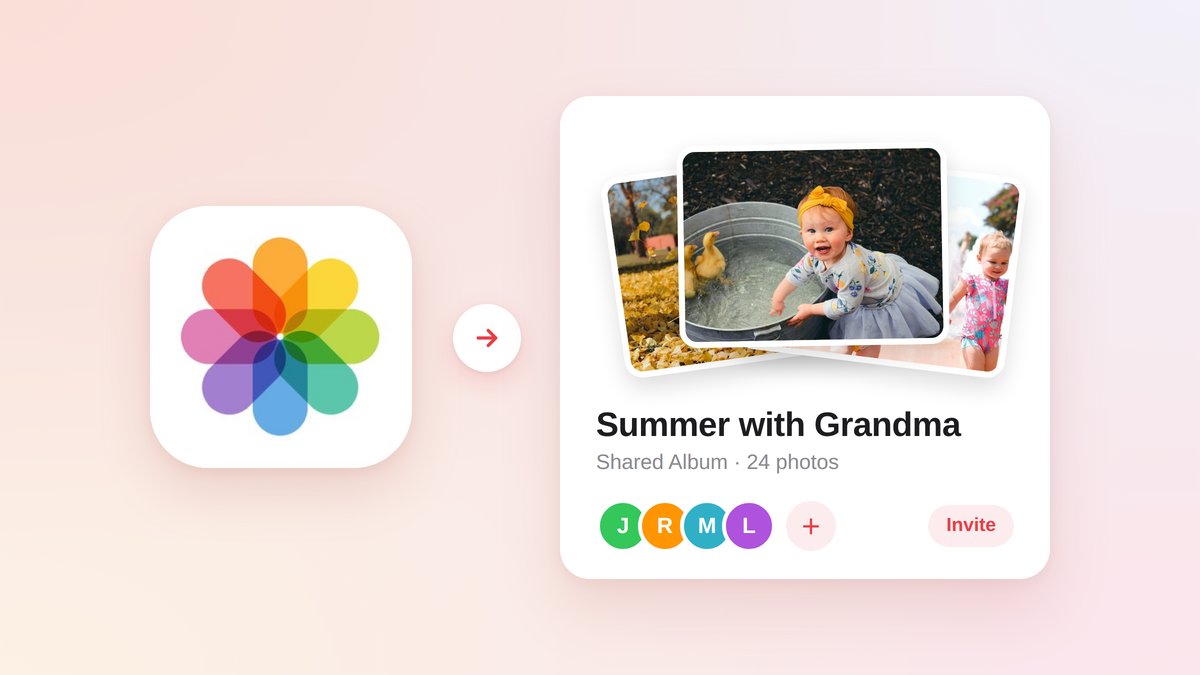
Until iOS 26, shared albums were famous for being "free": they did not touch your iCloud storage, but they shrank photos to 2,048 pixels and capped each album at 5,000 items. Apple changed this for albums created on iOS 27, iPadOS 27, macOS 27 or iCloud.com:
- Photos and videos are stored at full resolution in their original format.
- They count toward the owner's iCloud storage. Apple is explicit that this includes the photos and videos participants add.
- There is no set limit on albums or items beyond the owner's available storage.
- Apple's iPhone User Guide puts it simply: the organizer of a shared album provides the iCloud storage space for its content.
So in a busy family album on iOS 27, every grandparent's and cousin's upload comes out of the album owner's iCloud plan. A free iCloud account has 5 GB, shared with backups and everything else.
When the owner runs out of space, people trying to add photos may see Items Not Shared. Apple's advice is to ask the album organizer to make sure they have enough iCloud storage.
Temporary albums do not use storage
On iOS 27 you can turn on Make Album Temporary when you create a shared album. A temporary album does not count toward iCloud storage, holds up to 5,000 items and expires after 30 days. Participants can see when it expires and save the photos they want before then.

That is great for a party or a weekend away. It is the wrong choice for a family album you want to keep.
Old albums stay free unless you upgrade them
Albums created on iOS 26 or earlier keep the old rules: they do not count toward iCloud storage. Their owner can upgrade one (open it, tap More, then Upgrade Shared Album). After an upgrade, the photos already in the album still do not count, but everything added from then on counts toward the owner's storage, at full resolution. If storage matters more to you than quality, you can simply keep using the old album.
If you joined someone else's album
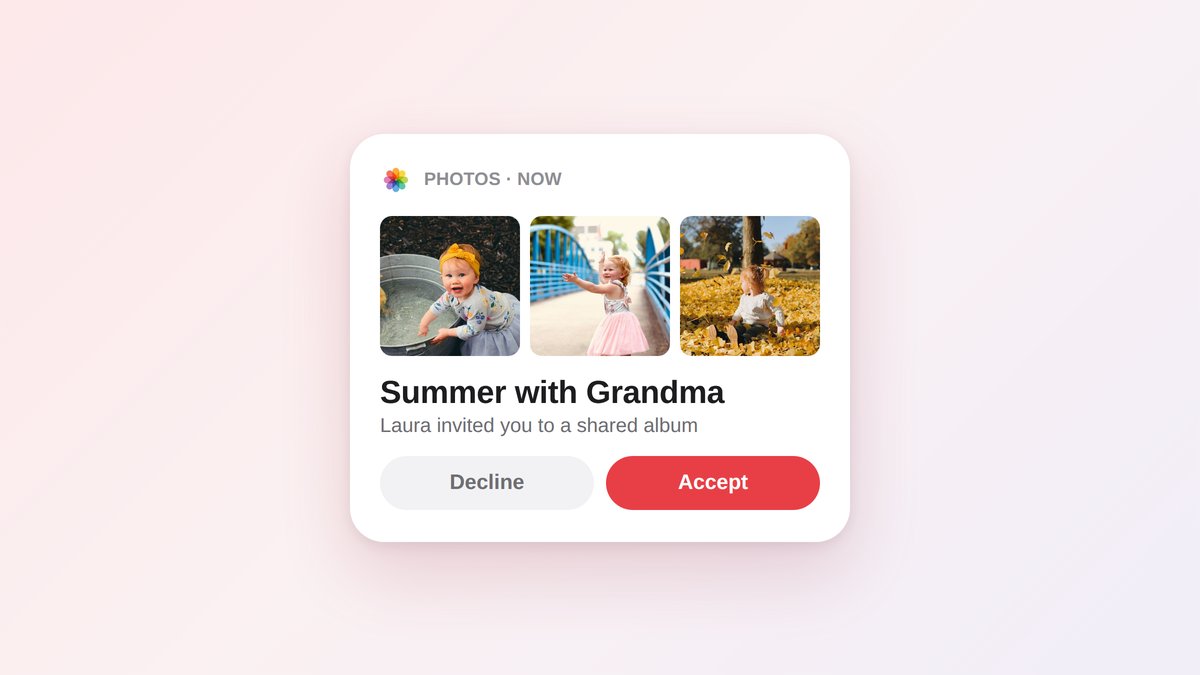
Being a participant does not use your iCloud storage: the owner provides it. Two things to keep in mind on your side:
- Photos you save to your library. A saved photo becomes part of your own Photos library, so with iCloud Photos turned on it counts toward your iCloud storage, like any other photo. Apple says saved photos stay in your library even if the album is later deleted.
- Space on the iPhone itself. Apple does not say how much space shared albums take on the device. To see what the Photos app uses in total, go to Settings, General, iPhone Storage, then Photos.
Google Photos shared albums and storage
Google gives every Google Account 15 GB of free storage, shared between Google Photos, Gmail and Google Drive. For shared albums, Google's help says:
- When you save a photo or video shared with you, you get your own copy in your library, and saved photos and videos count toward your storage (partner sharing is the main exception).
- Photos you add to a shared album come from your own Google Photos library, so they sit in your account and use your storage, not the album owner's.
- A Google Photos album can hold up to 20,000 photos and videos.
Sharing Google One storage with your family (a family plan) does not share your photos: Google says family members cannot see your files unless you share them directly.
How to keep a family album from filling up anyone's storage
- Use a temporary album for one-off events, and ask everyone to save their favourites before it expires.
- Keep an old album if it works. Albums created on iOS 26 or earlier do not count toward storage. The trade-off is lower resolution.
- Pay for a bigger plan. In the US, iCloud+ starts at $0.99 a month for 50 GB, and Google One has similar small plans. Check current prices in your country.
- Use a family app that does not use your cloud storage. See below.
Where Our Family Album fits
Our Family Album is a private family photo app for iPhone and iPad. It does not use anyone's iCloud or Google storage: photos live in your family's album in the app, not in your Photos library. It is free to start, and one Premium subscription covers the whole family, so grandparents do not need a storage plan of their own.
Be aware of the honest trade-off: Our Family Album stores photos at screen size, made for looking and talking about them, not as a full-resolution archive. Keep your originals backed up. If you want everyone's originals in one place, a new iCloud shared album (with storage to spare) is the better tool.
For a side by side look, read iCloud Shared Albums vs Our Family Album, or start with how to make a shared album on iPhone if you want to stay with Apple.
Thank you for reading. I hope this takes the worry out of sharing, so you can send the photos that matter without watching the storage bar.
Manuel Escrig
Frequently asked questions
Do shared albums take up iCloud storage?
Shared albums created on iOS 27 or later count toward the owner's iCloud storage, including photos and videos that participants add. Temporary albums do not count. Albums created on iOS 26 or earlier do not count toward iCloud storage either.
Do photos in someone else's shared album count toward my storage?
No. The album owner provides the iCloud storage for a shared album. Photos only count toward your storage once you save them to your own library.
Do shared albums take up space on my iPhone?
Apple does not say how much device space shared albums use. You can check what the Photos app uses in total in Settings, General, iPhone Storage.
Does a Google Photos shared album use my storage?
Photos you add come from your own Google Photos library, so they use your storage. Photos shared with you only count toward your storage when you save them to your library.
Do temporary shared albums use iCloud storage?
No. Temporary shared albums on iOS 27 do not count toward iCloud storage. They hold up to 5,000 items and are deleted after 30 days, so save anything you want to keep.
If I upgrade an old shared album, will it use my storage?
Only for new items. After an upgrade, photos and videos already in the album do not count toward your iCloud storage, while anything added afterwards counts toward the owner's storage at full resolution.
Sources
Checked on November 6, 2026:
- Apple: Shared Albums limits
- Apple: Upgrade your shared albums
- Apple: How to use Shared Albums in Photos
- Apple iPhone User Guide (iOS 27): Create shared albums and Contribute to a shared album
- Apple: iCloud+ plans and pricing (5 GB free storage)
- Google: Share photos and videos, Create and edit photo albums (20,000 items) and About your Google Photos storage (15 GB)
- Google One: Share storage with your family
Apple, iPhone, iCloud and iOS are trademarks of Apple Inc. Google Photos and Google One are trademarks of Google LLC. Our Family Album is an independent app. Spotted something out of date? Tell me and I will fix it.